Guide Management
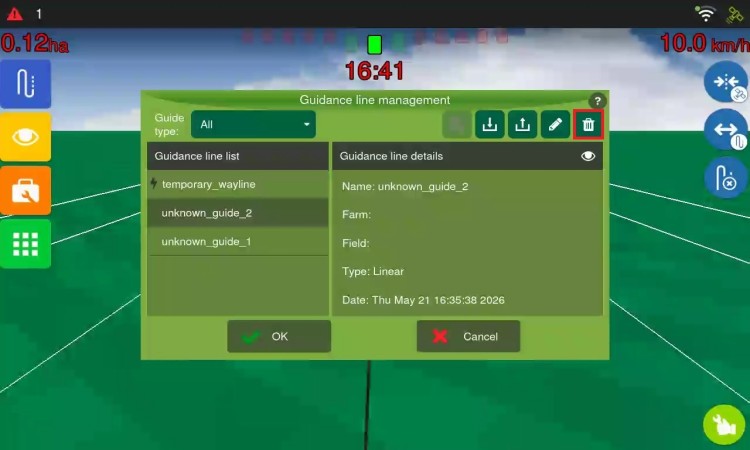
Access through the Guide > Guidance line management menu on the operation screen.
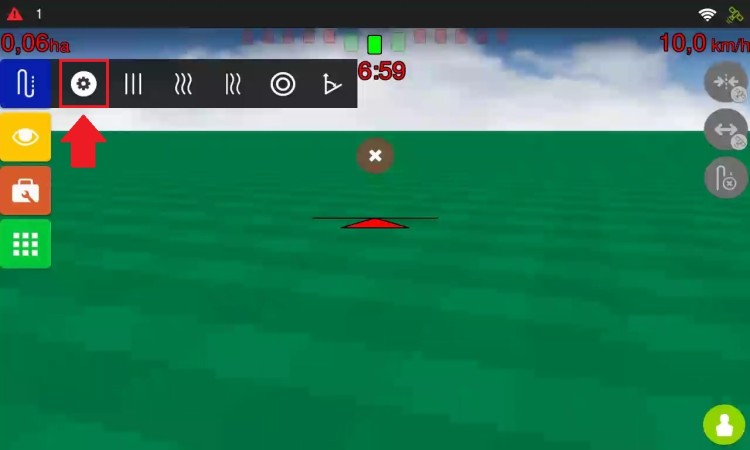
This menu allows you to:
-
List of guides: Displays all guidance lines created in the same plot, including those from other work sessions. When you select a guidance line, the name, farm, plot, type, and creation date are displayed. The active guidance line is indicated by a lightning icon. You can filter by type (Curve, Linear, Pivot, Angle, Adaptive, Line map) and view guidance line details.
-
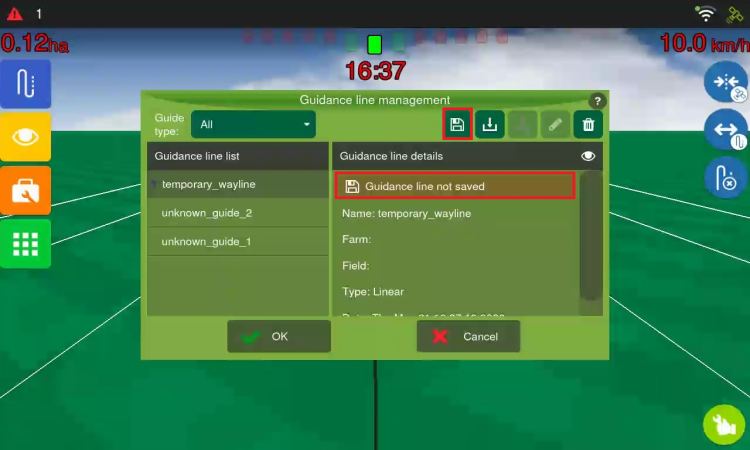
Save guide: Available only for temporary guidance lines. If you did not save a guidance line when creating it, it appears as temporary in the manager. The system allows only one temporary guidance line per type. Creating a guidance line of the same type will replace the previous one. Save it to ensure future access.
-
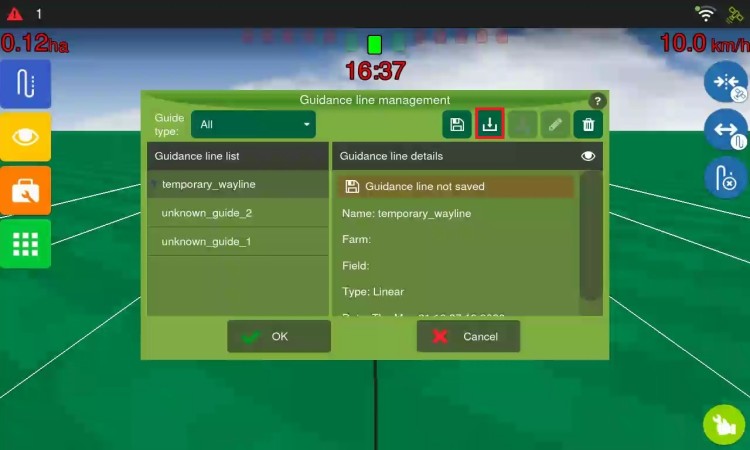
Import guide: Allows you to import guidance lines from a USB flash drive to the display. Insert the USB flash drive, select Import, choose the files, and confirm. Guidance lines imported from Hexagon Agriculture displays can be imported as an Original guidance line or Line map. Incompatible guidance lines from other manufacturers will be imported as a Line map. The map must contain at least 75 points.
-
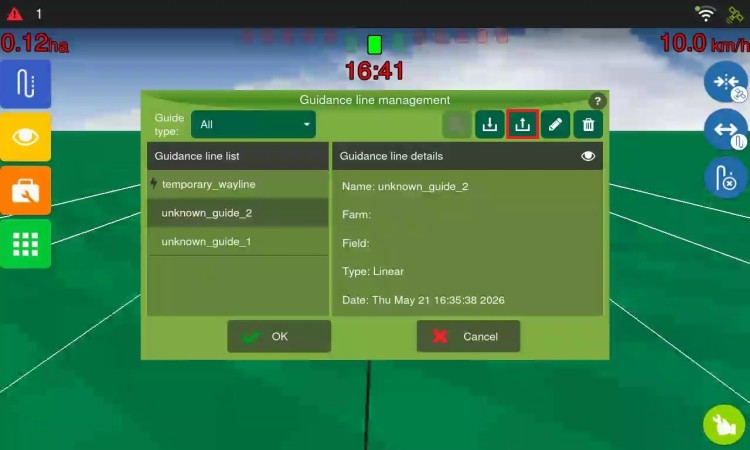
Export guide: Exports guidance lines to a USB flash drive in shapefile (.shp) format. Two options:
-
Original guidance line (proprietary): Exports only the original guidance line, without parallels. It can be reimported by the equipment.
-
Parallel guidance lines (generic): Exports the complete set (original + parallels), generating a Line map. You define the number of lines for each side.
-
-
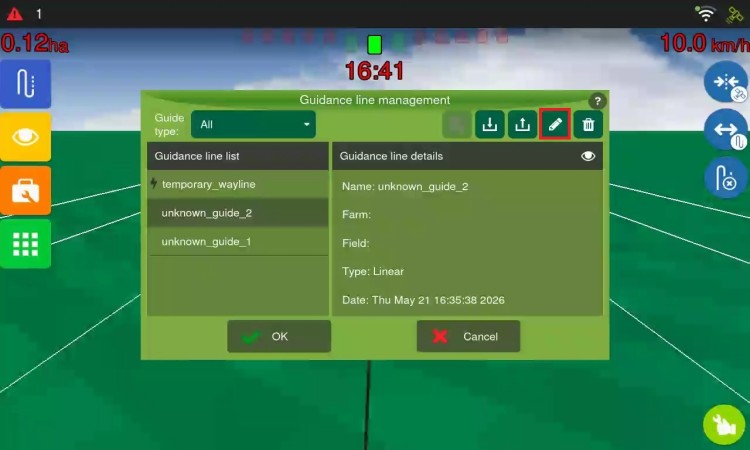
Edit name: Allows you to rename saved guidance lines, up to 32 characters. Existing names cannot be used without confirming overwrite.
-
Delete guide: Permanently deletes a saved guidance line. Warning: the guidance line will be deleted from all work sessions in the same plot. Not available for temporary guidance lines.