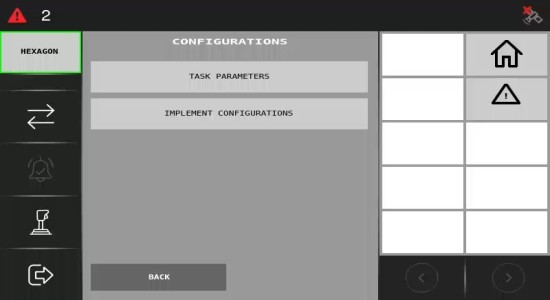
Configurations: Running the ISOBUS ECU for the first time
If you're using the ISOBUS ECU for the first time, you’ll need to complete a few configuration steps before you can operate it.
Important: If this isn’t your first time using the ISOBUS ECU, you can refer to this article.
How Do I Access the Configurations Menu?
To access the Configurations menu, click on the button highlighted below:
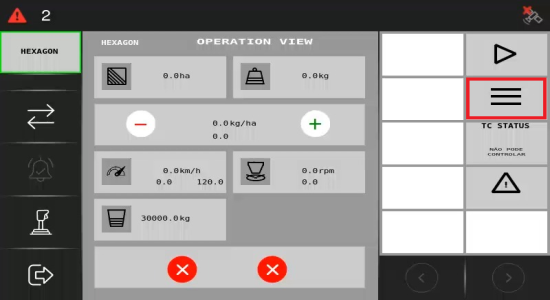
You will then be redirected to the Menu page.
Settings
To access and define the Task parameters and Implement configuration, select the Settings option.
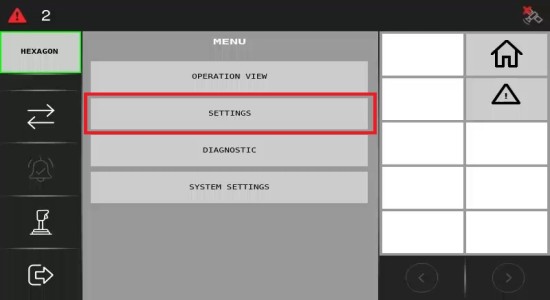
Once you access the Settings menu, you can access and define the Task parameters or adjust the Implement configuration.