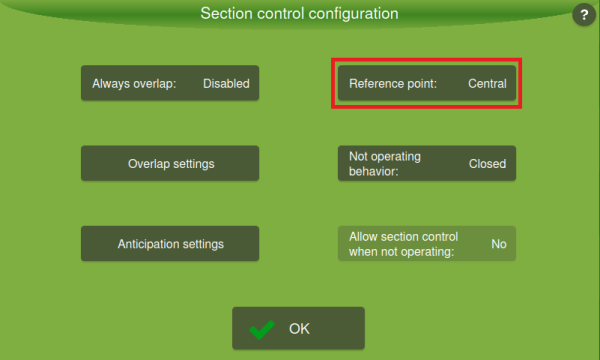
Settings: Reference Point Reading
In the Section Control Configuration, a new option has been added to choose the reference point used to calculate the application rate within a section. The operator can now switch between:
-
Maximum point: keeps the current behavior, using the maximum point across the entire section width to define the recommended rate.
- Central point: the rate recommendation is calculated only using the central point of the section. The section edges are ignored for rate calculation, which avoids the open/close oscillation when driving over threshold regions.
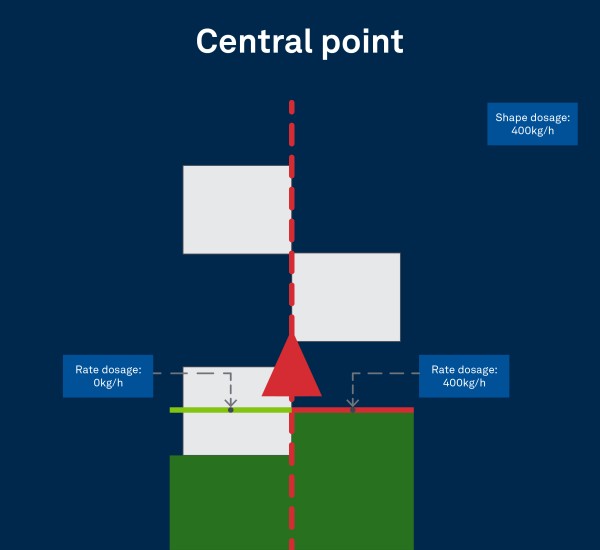
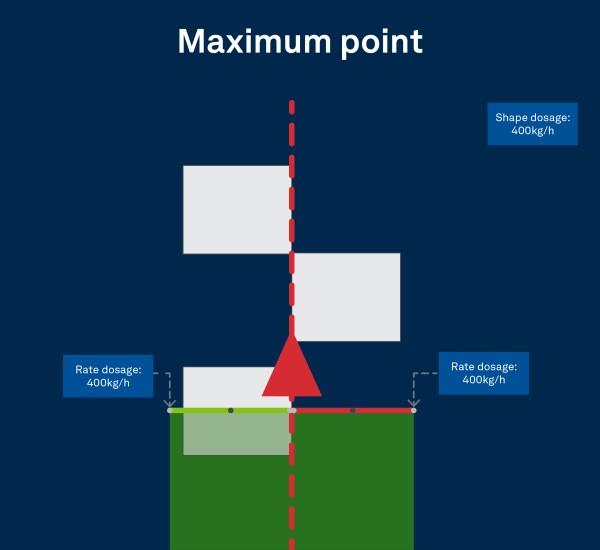
How to Configure the Rate Point
Go the Settings menu on the operation screen.
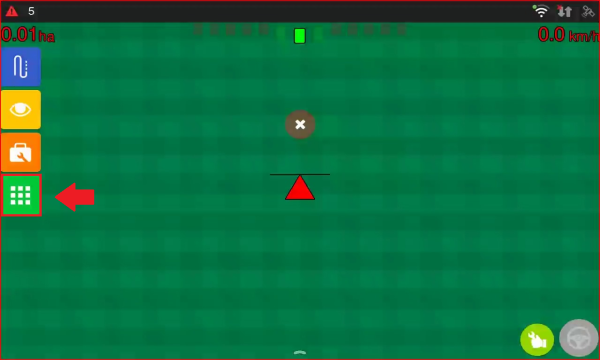
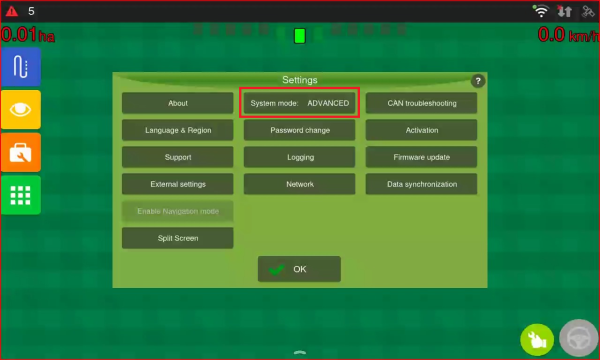
First, check the System Mode. To do this, tap Settings and review the displayed status.
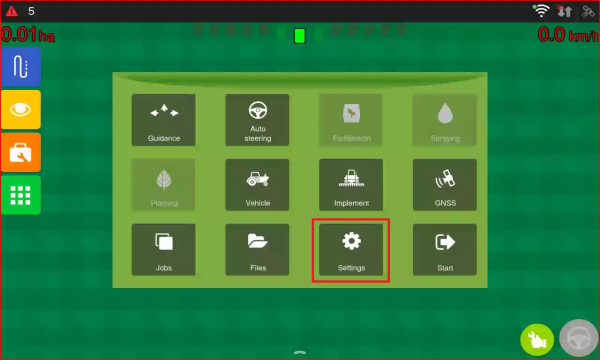
If the mode is set to NORMAL, tap System Mode to change it to ADVANCED. Then tap OK.
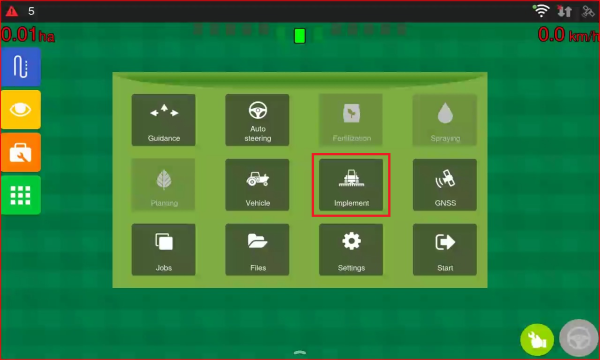
Now, click the Implement button
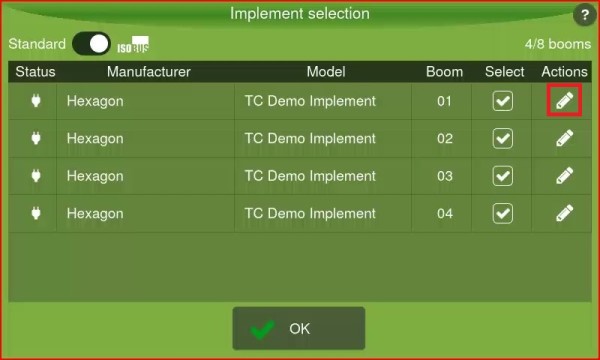
On the Implement Selection screen, the available booms will be displayed. To edit a boom, click the icon in the Actions column.
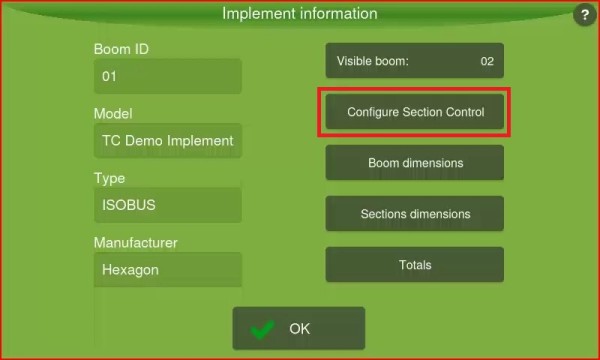
On the Implement Information screen, click the Configure Section Control button.
On the Section Control Configuration screen, you will find the Reference Point set to Maximum.
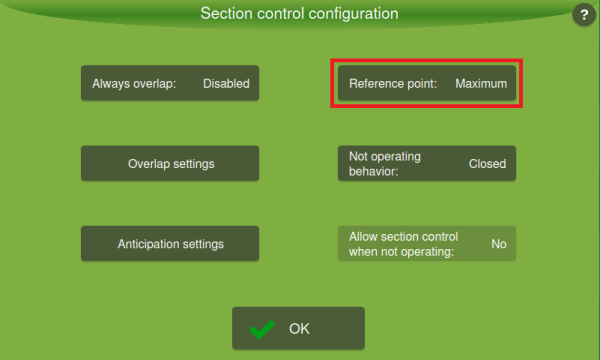
You can change it to Central by clicking on it.